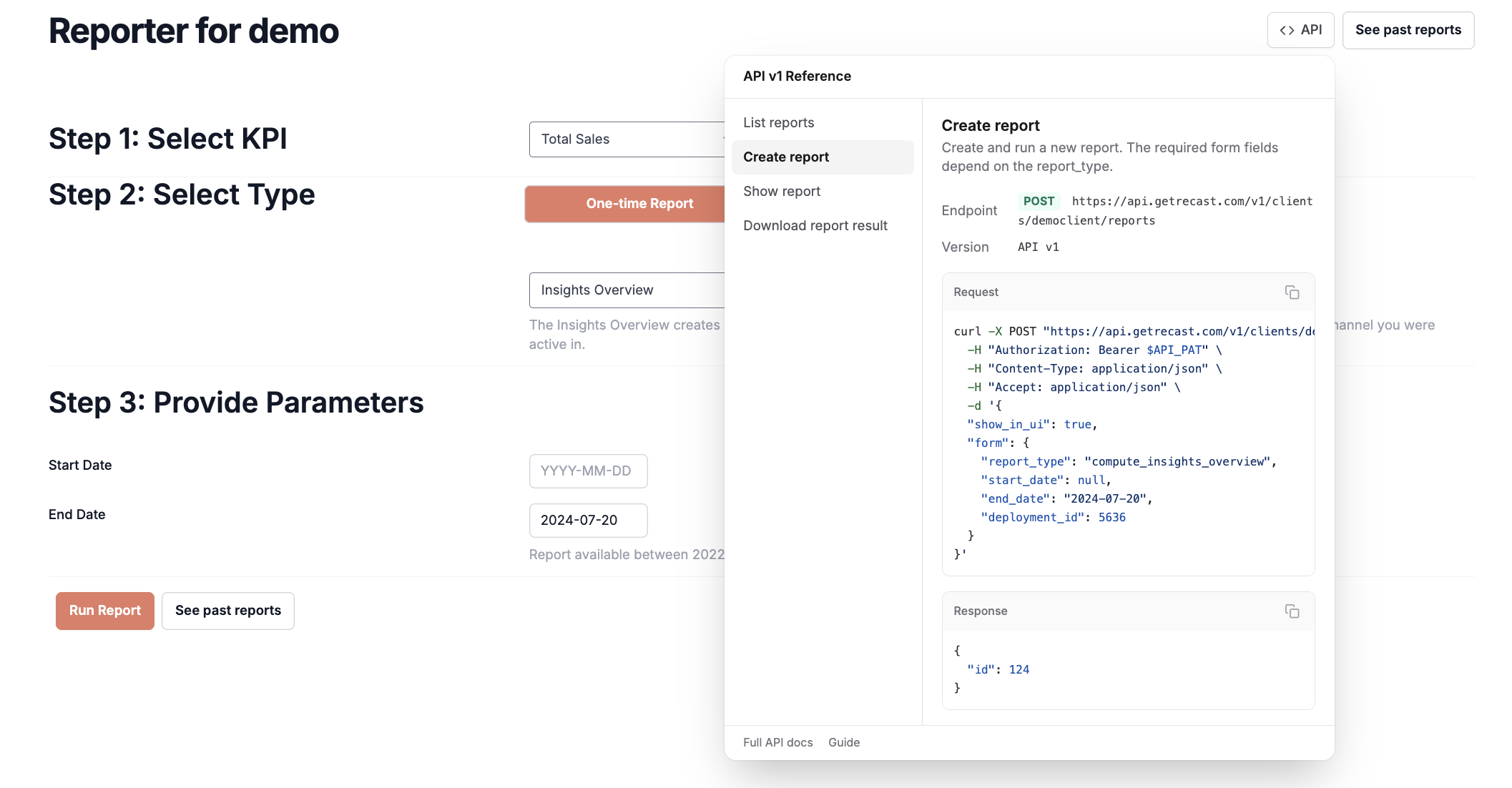
Recast has started rolling out a client-facing API. The Optimizer will be the primary focus initially, with more rolling out in the coming months.
Authentication
Access to the API is controlled by a Personal Access Token. You can generate this token by logging in to the app and clicking your email address in the top right corner:
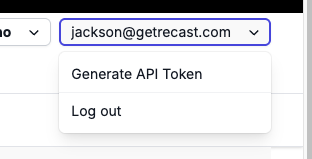
Clicking Generate API token will generate a token with full access to all the data you have access to in the application. This will be sent in the requests as a bearer token.
Our Swagger documentation can be found at: https://app.getrecast.com/api-docs
client_slug
Most endpoints will ask you to provide a client_slug. This is necessary because users can have multiple clients available to them. You can find the client slug by logging into the dashboard and looking at the URL. The client slug comes after /clients and before /dashboards: https://app.getrecast.com/clients/democlient/dashboards/7
Rate Limits
Please limit Optimization, Forecast, and spend forecast creation calls to 25 per minute. Exceeding that may result in rate limit errors.
Create Requests In-App
The API buttons in the Recast app allow you to create API requests by filling out the forms to create Optimizations, Forecasts and Reports in-app. These API buttons dynamically update with the parameters you select in the UI to create a complete request that returns the data as seen in your dashboard.
GET requests are automatically updated with your client_slug and optimization, forecast or report ID. To create a GET request just navigate to the Recast tool in your dashboard and copy the API request from the “Show”, “List” or “Download” tab in the API button.
POST requests are updated with all the necessary input parameters. To create a POST request, navigate to the Recast tool, fill out all the inputs needed to create your Optimization, forecast or report and copy the request from the “create” tab in the API button.
You will need to replace the “$API_token” field with your API token to complete the request.